Minecraft skin · 64×64 PNG
Amber Bard
Alex · 3px
Character details
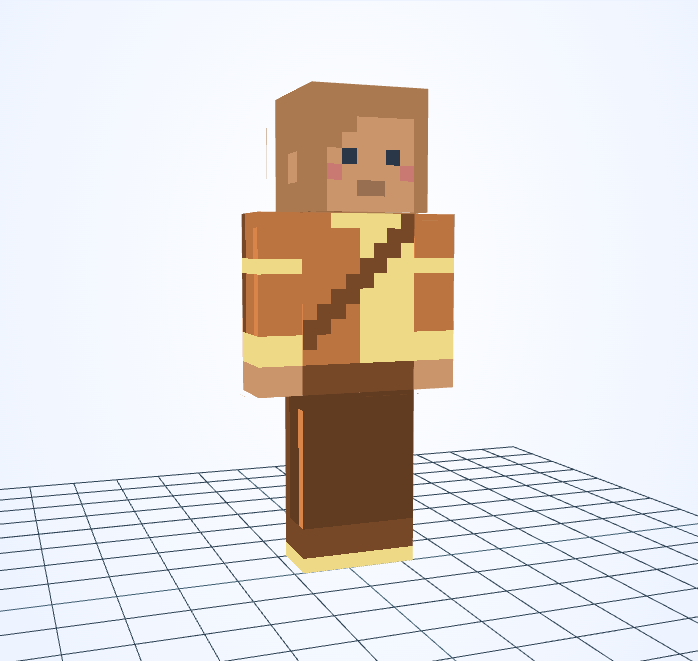
A dark diagonal sash crosses a two-tone amber and cream tunic.
Minecraft skin · 64×64 PNG
Alex · 3px
A dark diagonal sash crosses a two-tone amber and cream tunic.
The sash cuts across the boundary between the two tunic colors rather than following it.
This skin uses Alex arms: the front of each sleeve is only 3 pixels wide. A 3×3 stroke can cover that width, so switch to 1×1 beside cuffs and small trim.
The bard trades songs for directions. One village knows only the final verse of a melody, so the journey begins to find its missing beginning.
An original fictional story by JIGAMJISU, created for this skin.
Preserve the sash while swapping only the lighter half of the tunic. Add one bright pixel near the sash end as a clasp, then inspect the back cape pattern for matching trim.
#BB733F#EDD986#764828#BB733F#C9E0D2#764828Use these HEX values in the editor’s color control. The alternative palette is a suggestion: apply it to selected clothing details, not to every matching pixel or to the face.
Open this skin with its matching arm model, select the body part you want to change, and save a new PNG when you are happy with it. The guide covers hidden surfaces and Body/Overlay editing.
Edit this gallery design for your own player skin. These character stories are fictional; game names and third-party assets retain their owners’ rights.
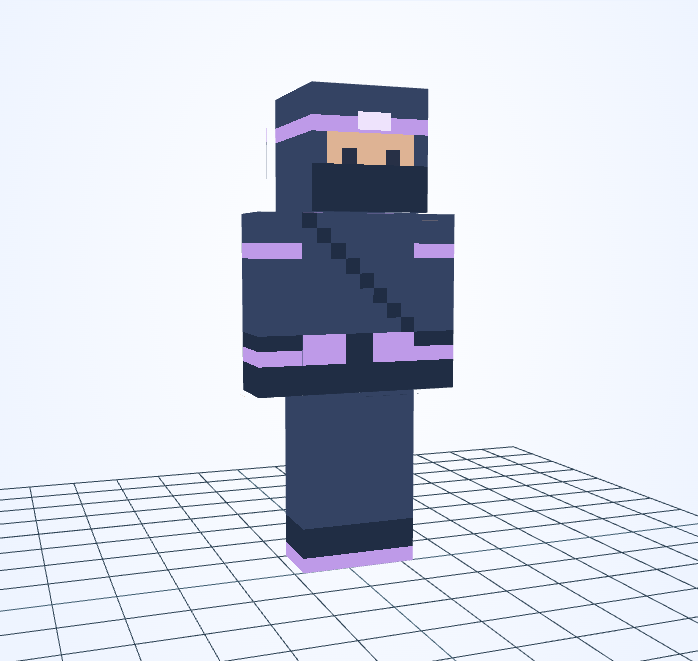
Purple wraps mark the head, waist and wrists of an otherwise dark masked outfit.
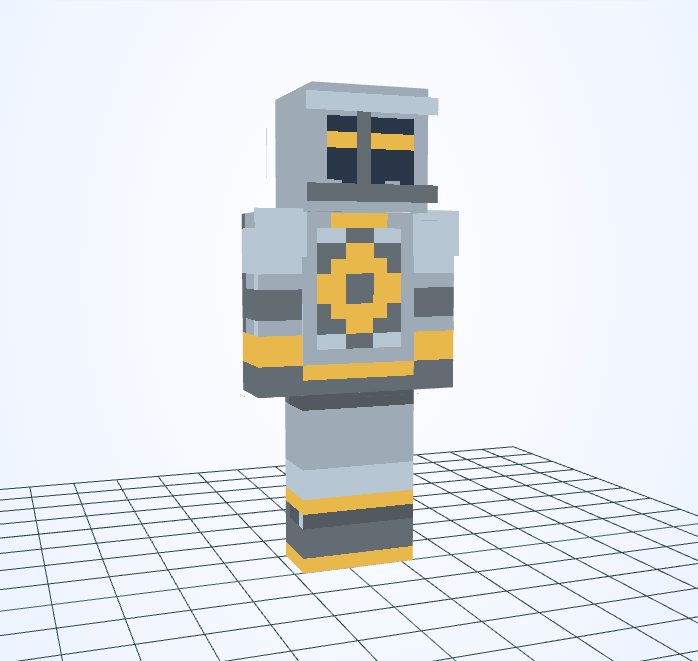
A gold sun ring sits on silver armor, repeating the warm line across the visor.
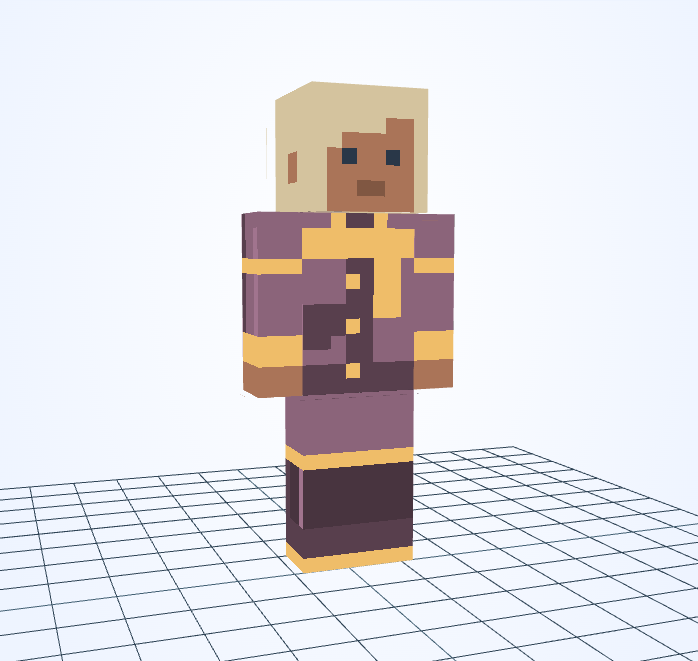
A plum coat and warm yellow scarf suggest lantern light against an evening sky.
This is an independent tool, not an official Minecraft product. It is not approved by or associated with Mojang or Microsoft. Minecraft names and assets belong to their respective owners.
