Minecraft skin · 64×64 PNG
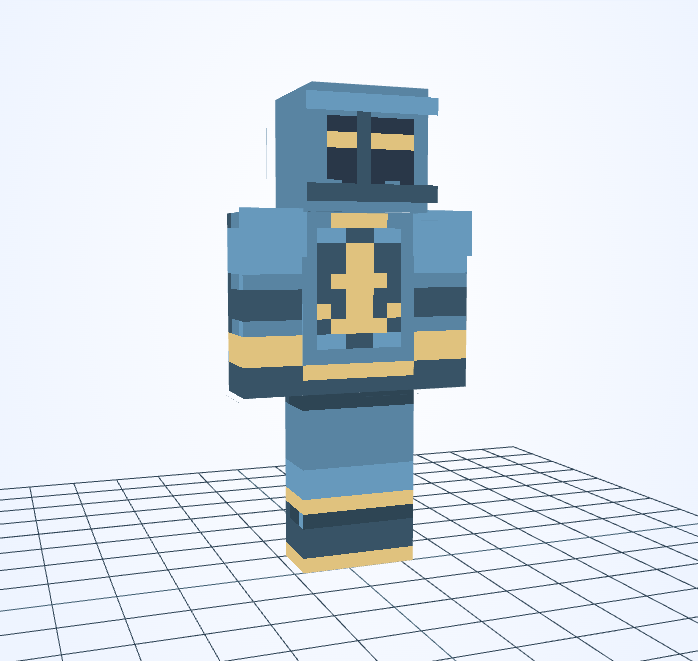
Harbor Guard
Steve · 4px
Character details
A pale anchor is centered on blue armor, echoing the colors of a working harbor.
Minecraft skin · 64×64 PNG
Steve · 4px
A pale anchor is centered on blue armor, echoing the colors of a working harbor.
The anchor’s central shaft and two lower hooks must stay readable at only a few pixels wide.
This skin uses Steve arms with 4-pixel-wide sleeve fronts. A 2×2 brush suits broad sleeve panels; use 1×1 where the sleeve meets the hand or a narrow stripe.
At low tide, a path appears below the old harbor wall. The guard walks it each morning to check that stranded boats can return safely.
An original fictional story by JIGAMJISU, created for this skin.
Redraw the anchor with 1×1 and keep both lower hooks visible. Test a white anchor on navy armor, then match the visor stripe to the anchor rather than the armor.
#5984A2#E0C27E#385366#273E61#F3F0DC#182A42Use these HEX values in the editor’s color control. The alternative palette is a suggestion: apply it to selected clothing details, not to every matching pixel or to the face.
Open this skin with its matching arm model, select the body part you want to change, and save a new PNG when you are happy with it. The guide covers hidden surfaces and Body/Overlay editing.
Edit this gallery design for your own player skin. These character stories are fictional; game names and third-party assets retain their owners’ rights.
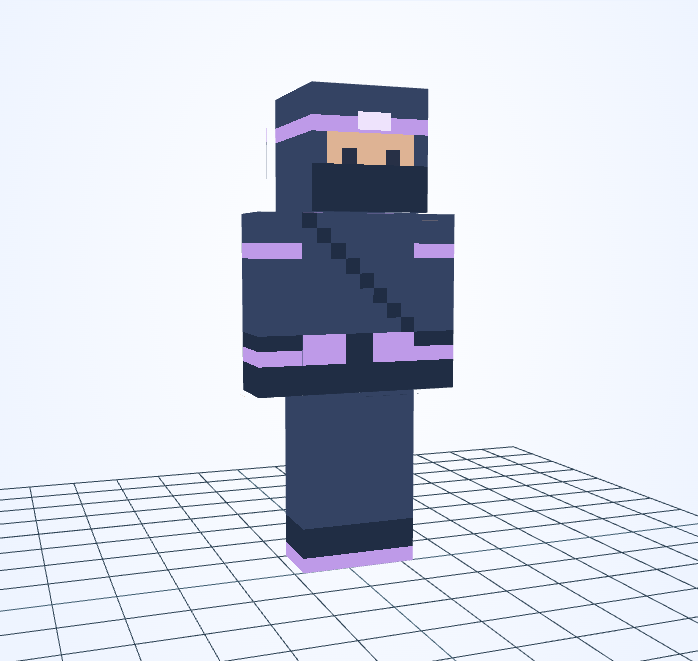
Purple wraps mark the head, waist and wrists of an otherwise dark masked outfit.
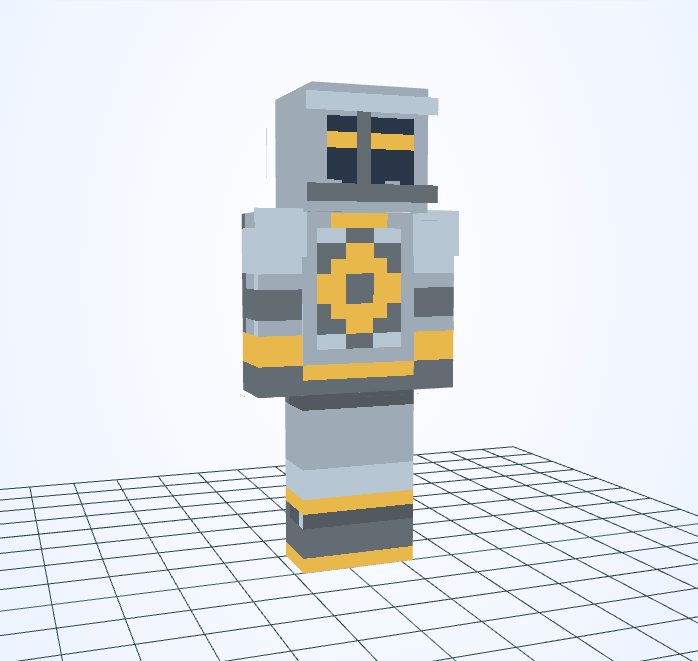
A gold sun ring sits on silver armor, repeating the warm line across the visor.
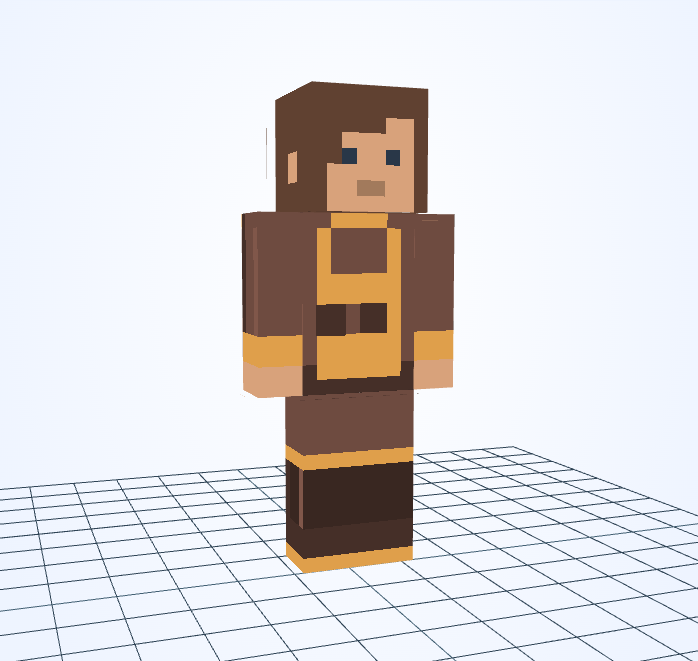
An amber apron glows against soot-brown sleeves and a dark lower outfit.
This is an independent tool, not an official Minecraft product. It is not approved by or associated with Mojang or Microsoft. Minecraft names and assets belong to their respective owners.
