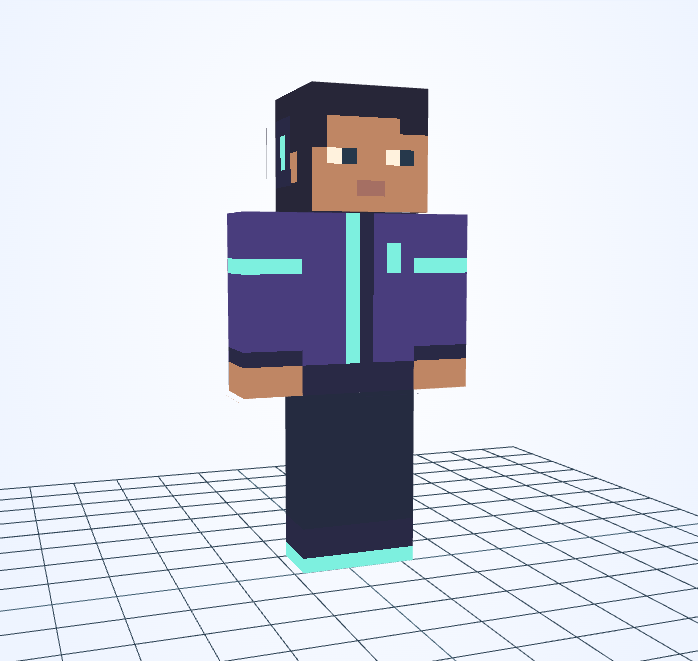
Minecraft skin · 64×64 PNG
Neon Gamer
Steve · 4px
Character details
Mint highlights connect the headset and jacket against a deep violet outfit.
Minecraft skin · 64×64 PNG
Steve · 4px
Mint highlights connect the headset and jacket against a deep violet outfit.
The bright accents work because most of the outfit stays dark and quiet.
This skin uses Steve arms with 4-pixel-wide sleeve fronts. A 2×2 brush suits broad sleeve panels; use 1×1 where the sleeve meets the hand or a narrow stripe.
After the arcade closes, one screen still flashes a mysterious high score. This player follows its clues through forgotten game rooms, searching for the friend who left the challenge. Every neon mark is another piece of the puzzle.
An original fictional story by JIGAMJISU, created for this skin.
Recolor the headset and jacket stripes together with 1×1. Leave a dark pixel between bright details so the trim does not merge into a solid band.
#493D7D#7DF0DF#272638#493D7D#F8BF62#272638Use these HEX values in the editor’s color control. The alternative palette is a suggestion: apply it to selected clothing details, not to every matching pixel or to the face.
Open this skin with its matching arm model, select the body part you want to change, and save a new PNG when you are happy with it. The guide covers hidden surfaces and Body/Overlay editing.
Edit this gallery design for your own player skin. These character stories are fictional; game names and third-party assets retain their owners’ rights.
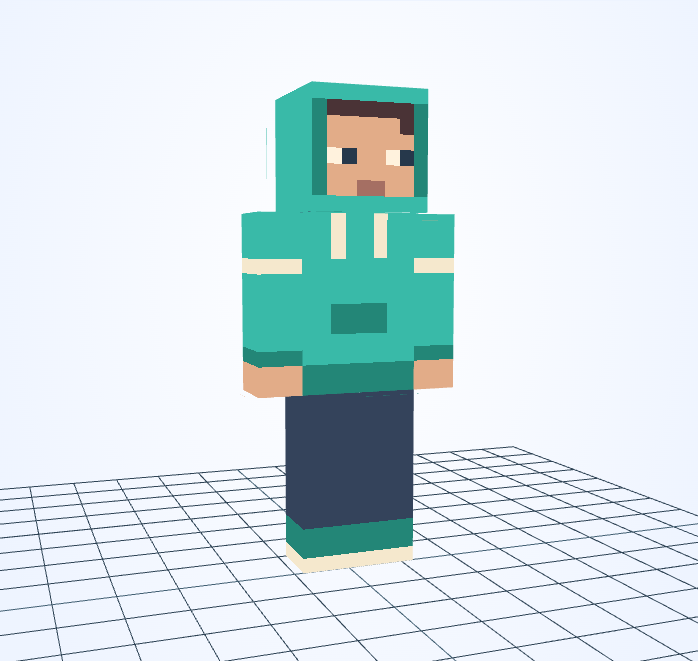
Mint sleeves frame a small front pocket, while almost-black trousers keep attention on the hoodie.
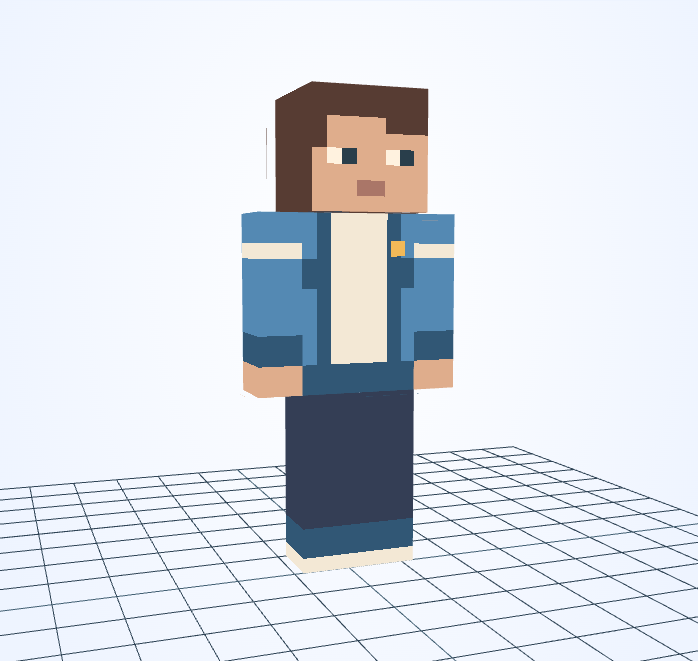
An open blue jacket frames a pale shirt, with dark trousers completing a simple everyday outfit.
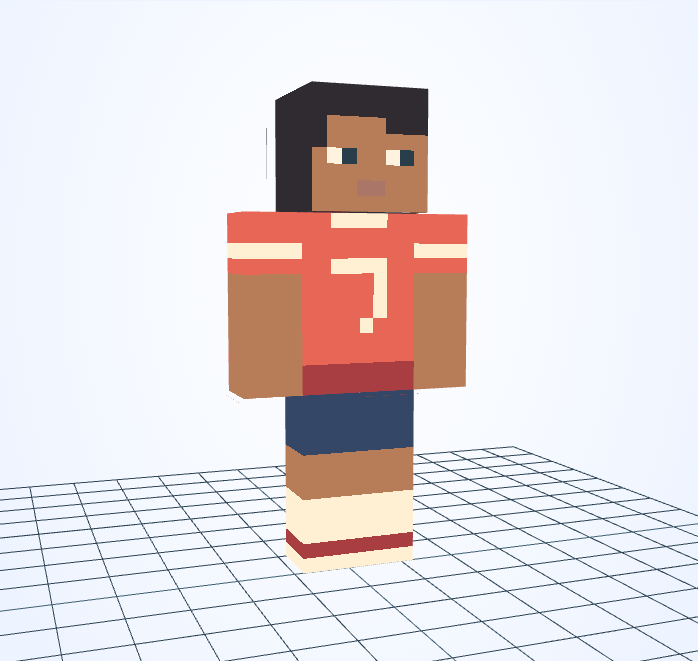
A white chest number, red shirt and striped socks make this uniform easy to recognize at a distance.
This is an independent tool, not an official Minecraft product. It is not approved by or associated with Mojang or Microsoft. Minecraft names and assets belong to their respective owners.
