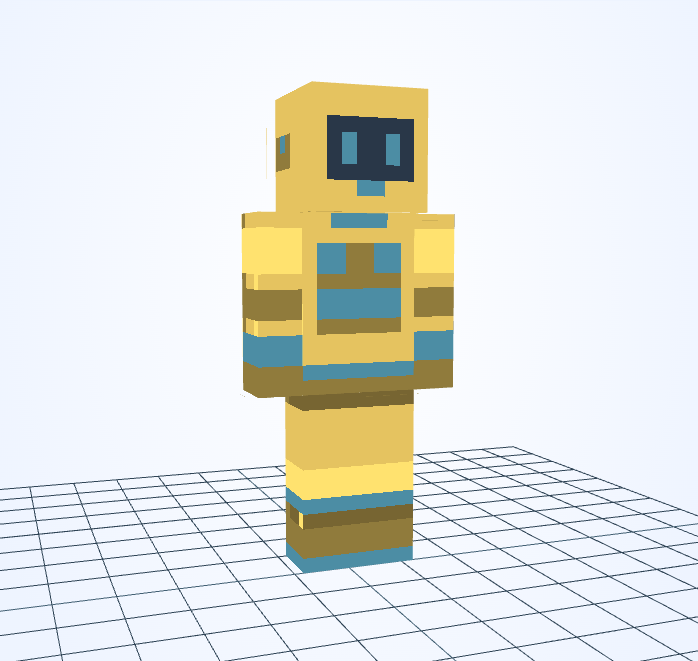
Minecraft skin · 64×64 PNG
Rescue Automaton
Alex · 3px
Character details
A blue face display and stacked chest indicators contrast with a sunny yellow robot shell.
Minecraft skin · 64×64 PNG
Alex · 3px
A blue face display and stacked chest indicators contrast with a sunny yellow robot shell.
The blue chest marks are geometric status indicators rather than a real emergency-service insignia.
This skin uses Alex arms: the front of each sleeve is only 3 pixels wide. A 3×3 stroke can cover that width, so switch to 1×1 beside cuffs and small trim.
Its map has only one instruction: find everyone. The little rescue machine keeps searching after the storm, counting footsteps instead of hours.
An original fictional story by JIGAMJISU, created for this skin.
Keep the two eye columns separate when editing the face with 1×1. Try orange for the shell while retaining blue in the chest indicators so they remain easy to spot.
#E5C360#4C8DA4#907B3C#E5A05C#4C8DA4#905632Use these HEX values in the editor’s color control. The alternative palette is a suggestion: apply it to selected clothing details, not to every matching pixel or to the face.
Open this skin with its matching arm model, select the body part you want to change, and save a new PNG when you are happy with it. The guide covers hidden surfaces and Body/Overlay editing.
Edit this gallery design for your own player skin. These character stories are fictional; game names and third-party assets retain their owners’ rights.
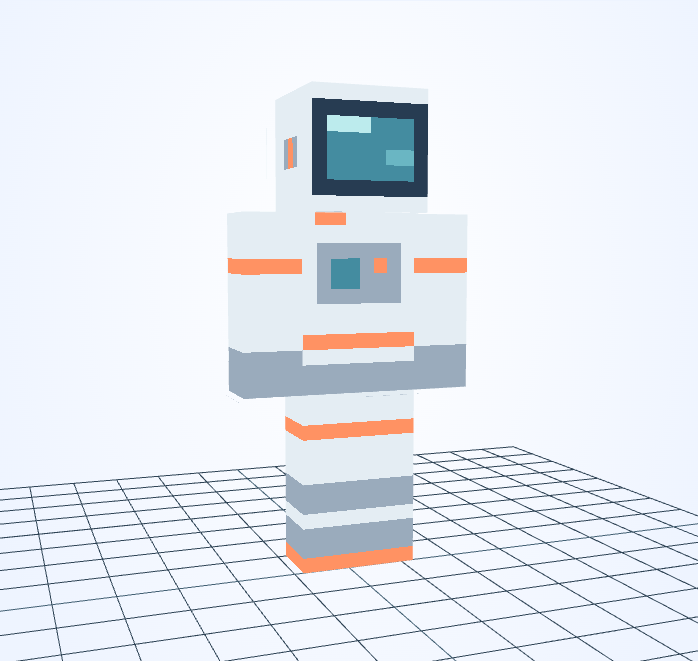
Orange bands divide the pale suit into readable sections beneath a dark blue visor.
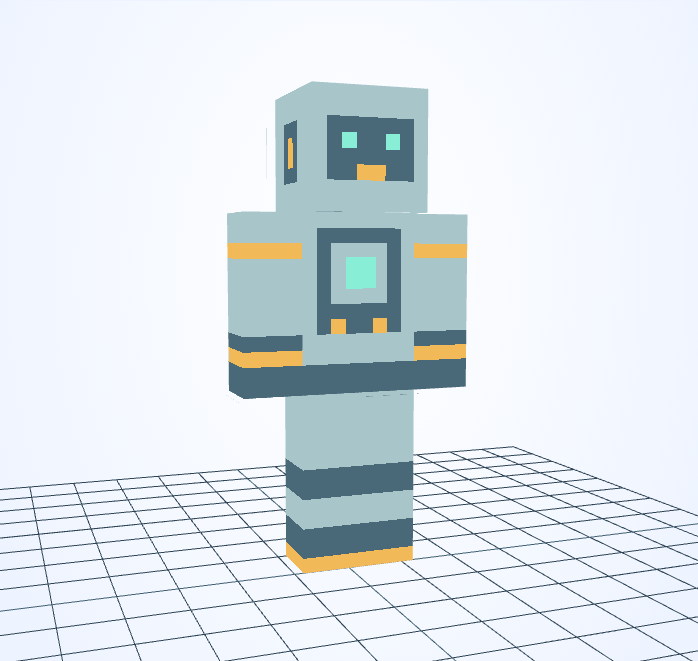
A mint chest display sits inside a gray frame, with small yellow lights softening the mechanical look.
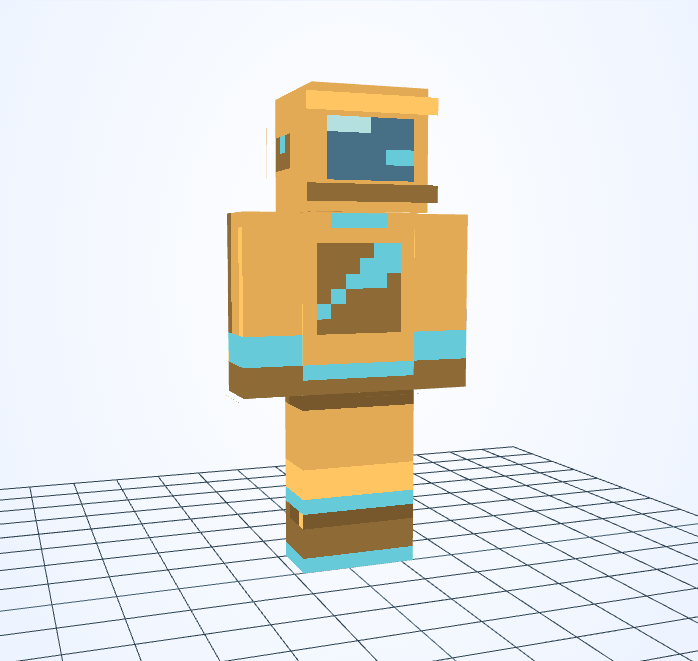
An aqua comet streak crosses an amber flight suit below a blue visor.
This is an independent tool, not an official Minecraft product. It is not approved by or associated with Mojang or Microsoft. Minecraft names and assets belong to their respective owners.
