Minecraft skin · 64×64 PNG
Penguin Scarf
Alex · 3px
Character details
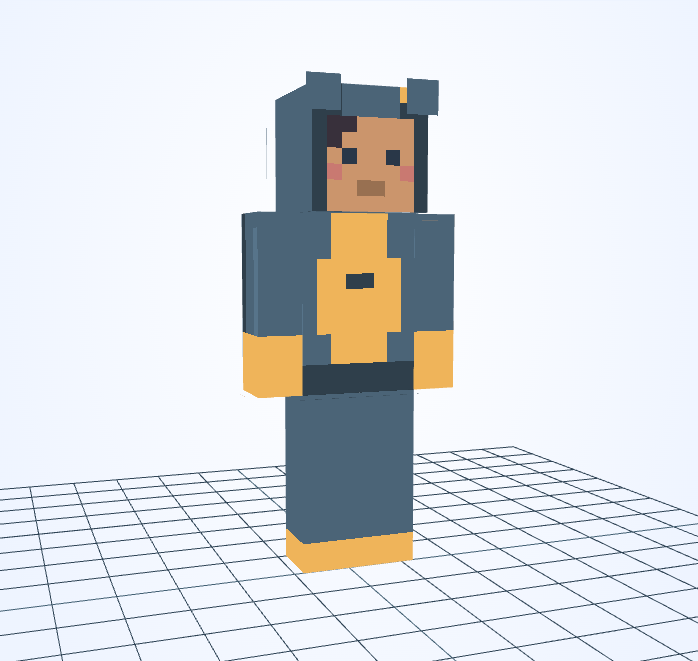
Deep blue fabric and a golden belly give this penguin-inspired costume a warmer palette than black and white.
Minecraft skin · 64×64 PNG
Alex · 3px
Deep blue fabric and a golden belly give this penguin-inspired costume a warmer palette than black and white.
The large gold belly dominates the front; a scarf variation works best as a much narrower neck accent.
This skin uses Alex arms: the front of each sleeve is only 3 pixels wide. A 3×3 stroke can cover that width, so switch to 1×1 beside cuffs and small trim.
A scarf is long enough for two. On the coldest walk of the year, its penguin-clad owner shares the loose end with a shivering friend.
An original fictional story by JIGAMJISU, created for this skin.
Try a white belly and leave a short gold stripe at the neck as a scarf accent. Use 1×1 to keep the stripe separate from the face and inspect its edges from both sides.
#4B6477#EFB45A#2F3F4B#4B6477#F4F3E9#2F3F4BUse these HEX values in the editor’s color control. The alternative palette is a suggestion: apply it to selected clothing details, not to every matching pixel or to the face.
Open this skin with its matching arm model, select the body part you want to change, and save a new PNG when you are happy with it. The guide covers hidden surfaces and Body/Overlay editing.
Edit this gallery design for your own player skin. These character stories are fictional; game names and third-party assets retain their owners’ rights.
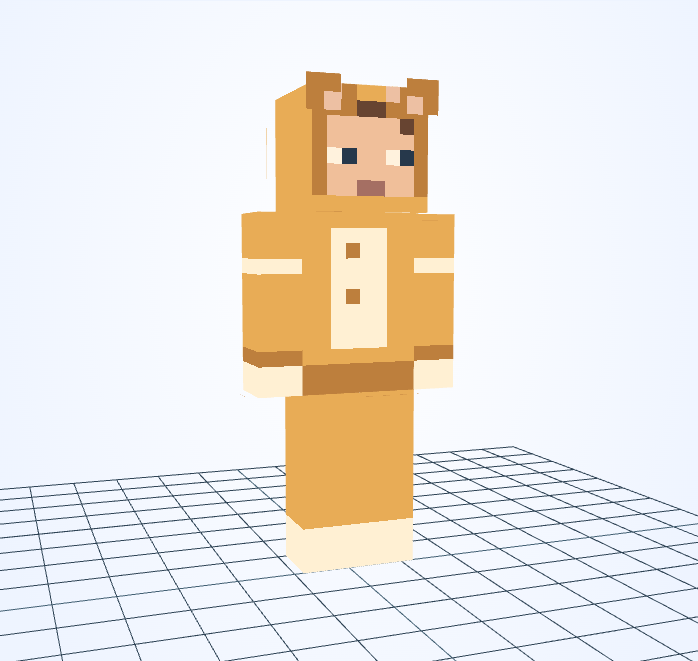
A cream belly panel and tiny hood ears give the golden pajamas their cat-like expression.
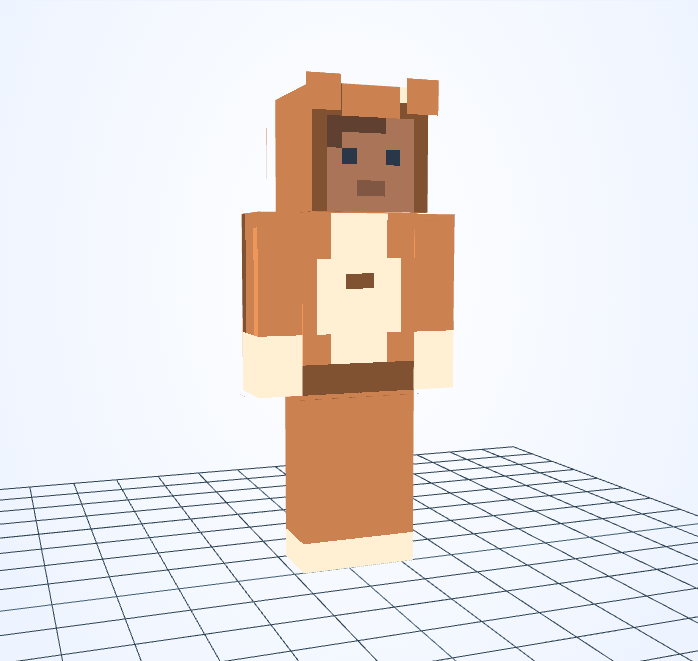
Rust-orange fabric and a cream belly create a warm fox costume with small square hood ears.
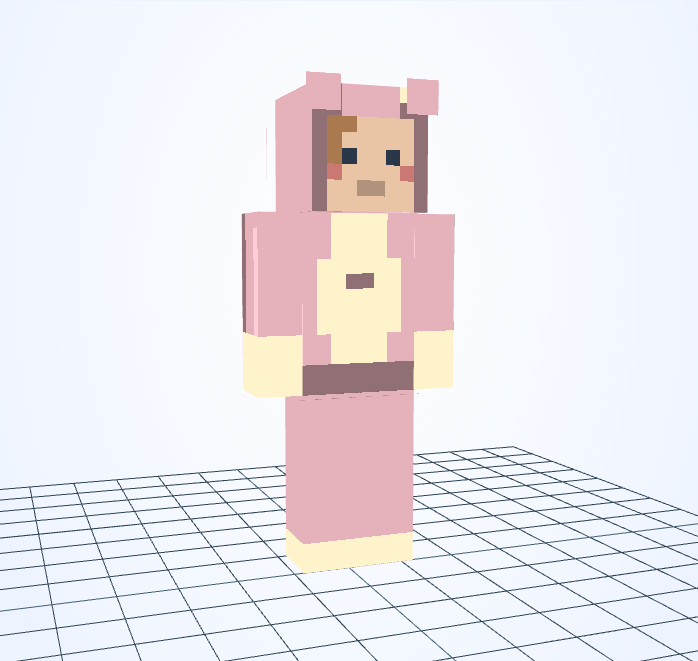
Soft pink panels and pale paws give this hooded costume a gentle rabbit-inspired palette.
This is an independent tool, not an official Minecraft product. It is not approved by or associated with Mojang or Microsoft. Minecraft names and assets belong to their respective owners.
